Guides → Connect a Sign-in App
Connect a Sign-in App (Spotify, Twitch, Strava…)
Eleven apps — Spotify, Twitch, Instagram, Threads, Facebook Page, Shopify, Strava, TikTok, Oura, Pi-hole and Etsy orders — read your account, so you sign in once. The device then renews the login by itself.
What you need
- A DataPix, powered on and joined to your WiFi (see Setup).
- An account with the service (Spotify, Twitch…) — a free one is enough for most.
Step by step
-
Open the setup page
From a browser on the same network, open the address shown on the panel.

-
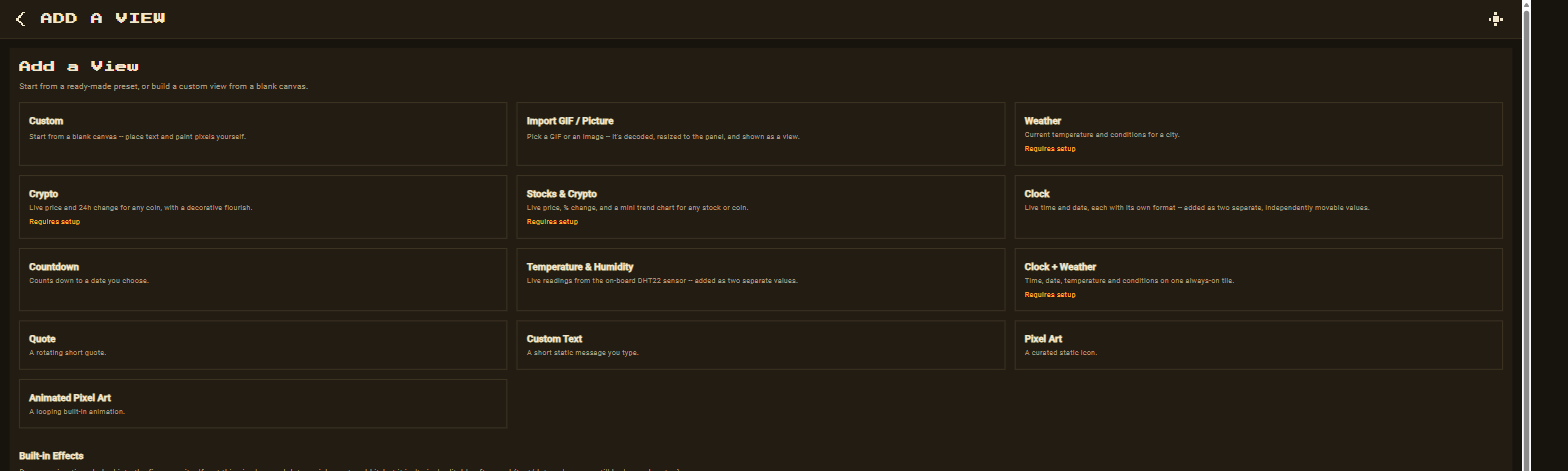
Add a View → Spotify
Go to Views → New view. On the Add a View page, under Streaming & music, pick Spotify.
-
Register a free developer app
The dialog links to the service's developer page and lists exactly what to click. You create a small app there (it only takes a name), paste the redirect address the dialog shows, and copy back its Client ID and Client Secret.
-
Sign in and approve
Press Connect. The service asks you to approve DataPix. Afterwards your browser shows a “can't connect” page — that's expected: copy its whole address from the address bar back into the dialog.
-
Test and add
Press Test to see your live values, then Add and Save.
After that
- The device renews the login on its own; you don't sign in again.
- If the service ever revokes it, the view's values stop changing and Accounts & API keys shows Needs reconnecting with a Reconnect button.
- Each app's own page has its exact steps: Spotify, Twitch, Strava, Shopify…