Not another LED ticker. The LED display you design yourself.
Show anything on a 64×32 LED display: your YouTube subscribers, today's orders, the weather, any web API, a GIF you love or an animation you drew — styled your way. You build every view in a web page the display hosts itself: no code, no cloud, no account.
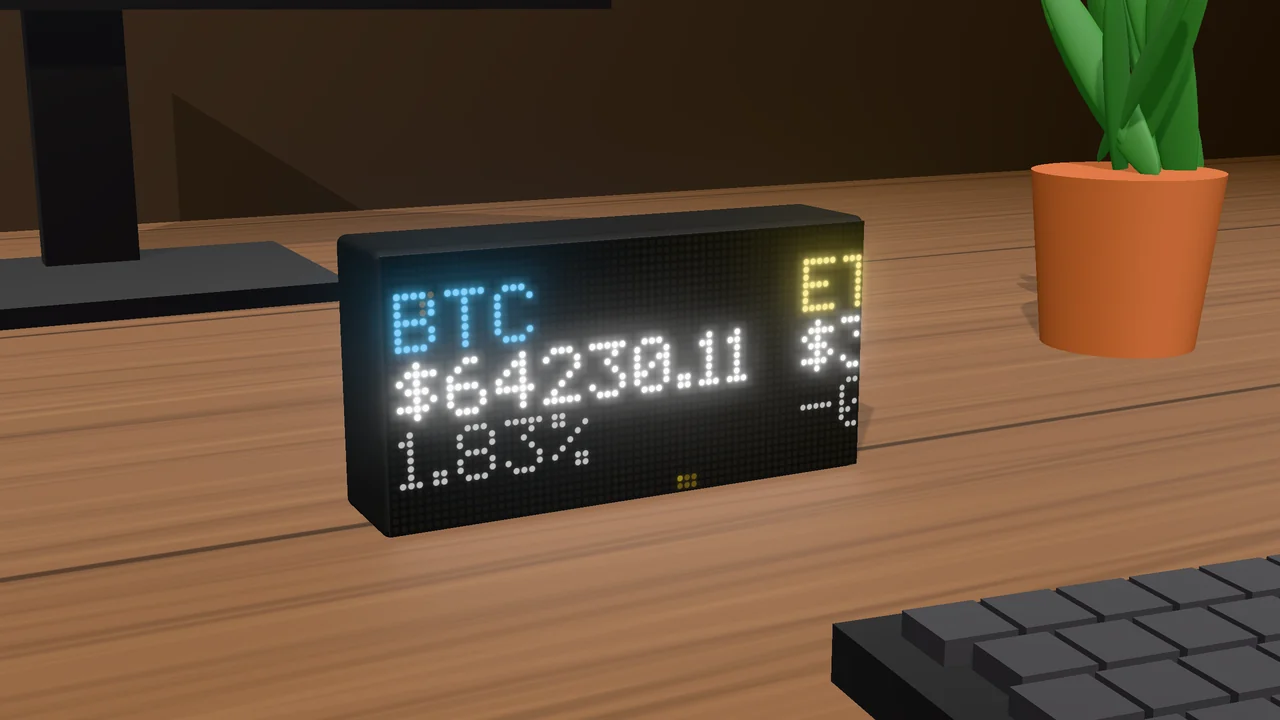
One display instead of a drawer of gadgets
A gadget per idea, or code
A crypto ticker shows prices. A weather station shows the weather. A pixel frame shows pictures. Each has its own app and cable, and none shows the thing you care about. Building your own means a library, code, flashing and debugging — again for every new idea.
Add a view, pick, drag
Open the display's web page, add a view, pick an app, an API, a GIF or an animation, and drag it where you want it. Seconds later it's on your desk. Up to 30 views rotate on their own — change them whenever you like.
No cloud, no account
Your data goes from the service to your desk, never through us. Keys, sign-ins and views stay on the display; the only thing it asks us is whether a firmware update exists.
Back DataPix on Kickstarter
Until the campaign ends, DataPix is sold through Kickstarter, where backers pay less than the shop price — from €99. Every board comes fully assembled with a USB-C cable, and every future firmware update is free.
Prefer to buy now? Shop prices
€129
€239 (€119.50 each)
€349 (€116.33 each)
Ships worldwide, checkout via Stripe. Backing on Kickstarter costs less until 13 November. Full pricing & details →
DataPix is under active development — new apps, effects, view types and fixes arrive as free firmware updates you install from the device's own web page.
See it in 30 seconds
You build it in a web page; seconds later it's on your desk.
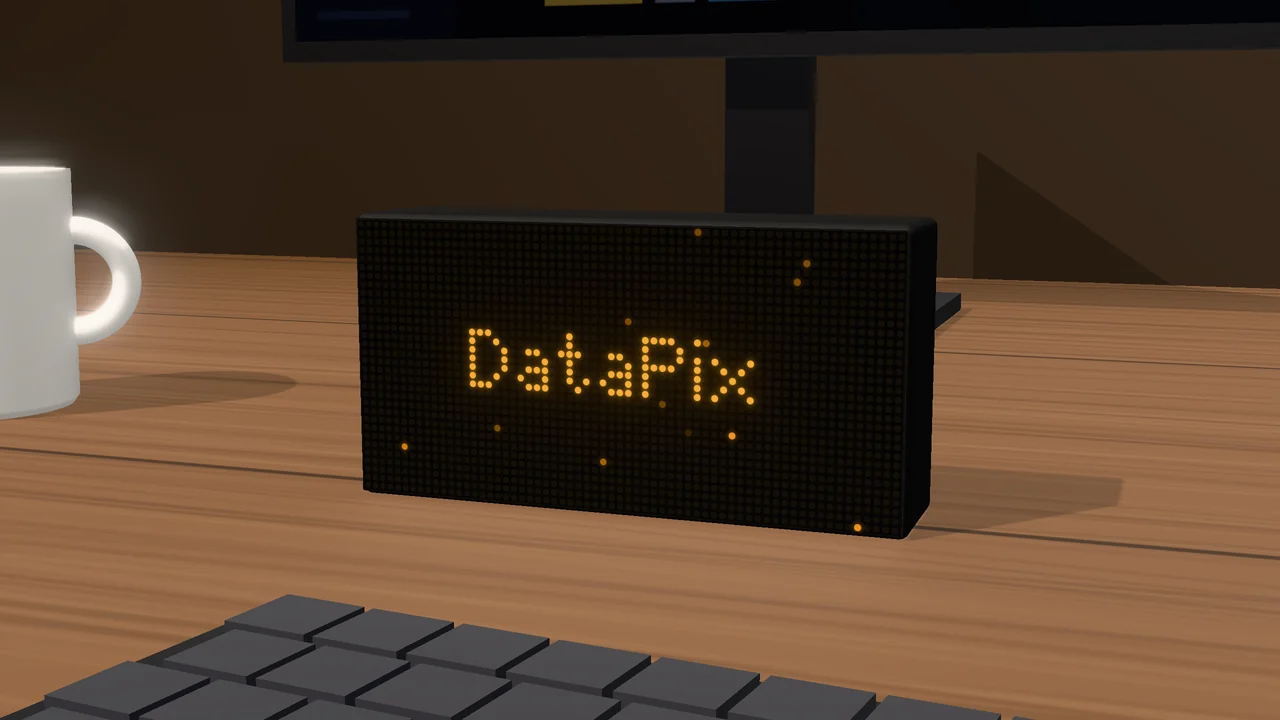
A 64×32 LED panel that joins your WiFi.
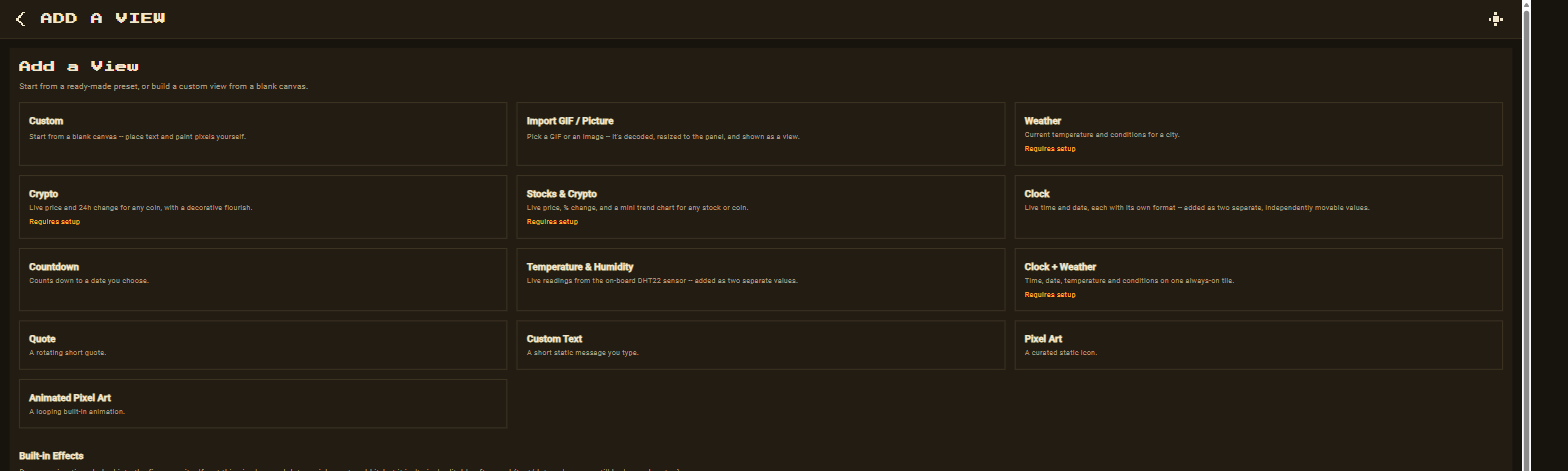
Pick from 73 views and 55 popular apps.
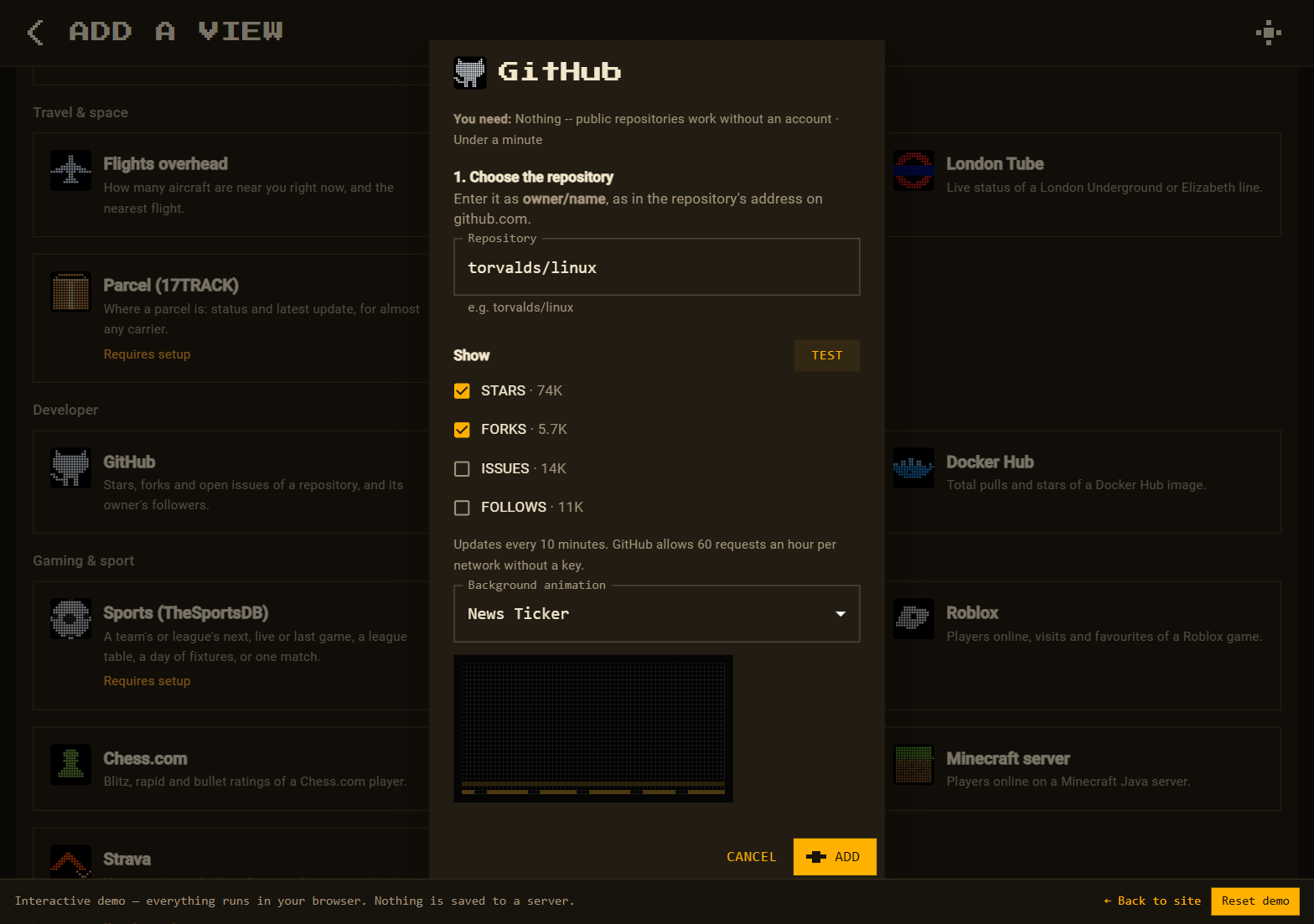
Follow the built-in guide, press Test, see real numbers.
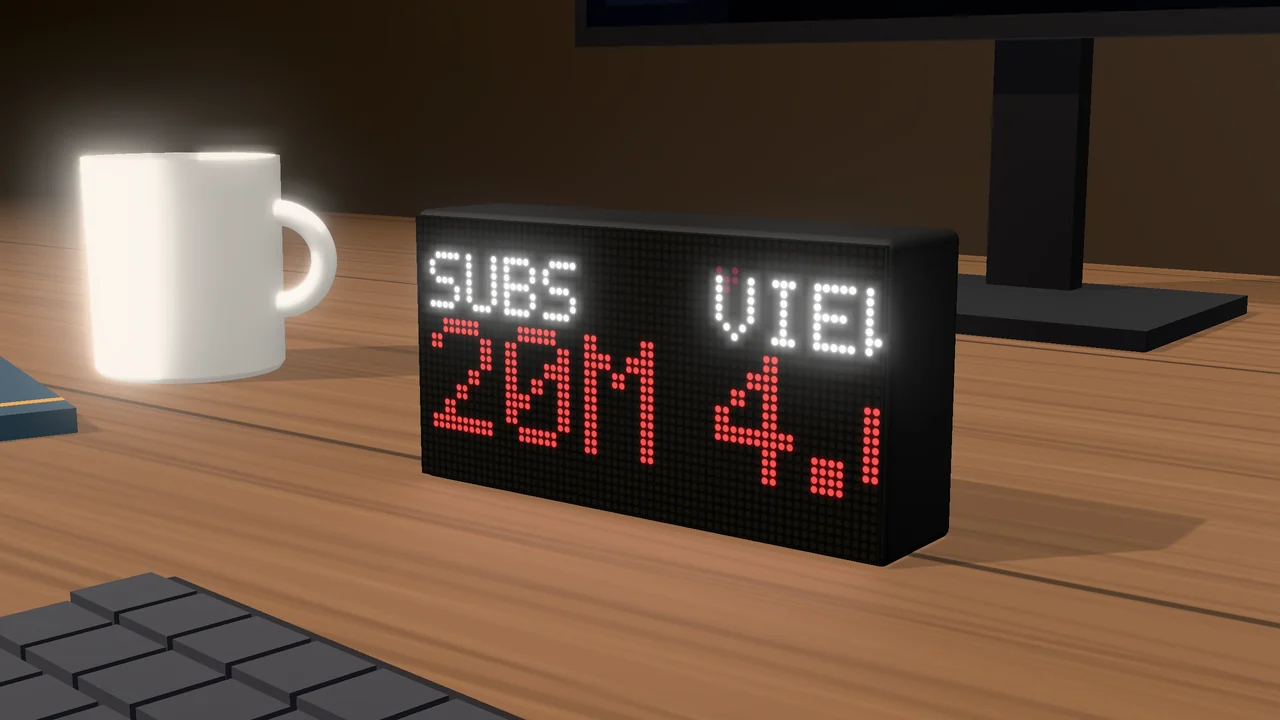
Seconds later, it's on your desk.
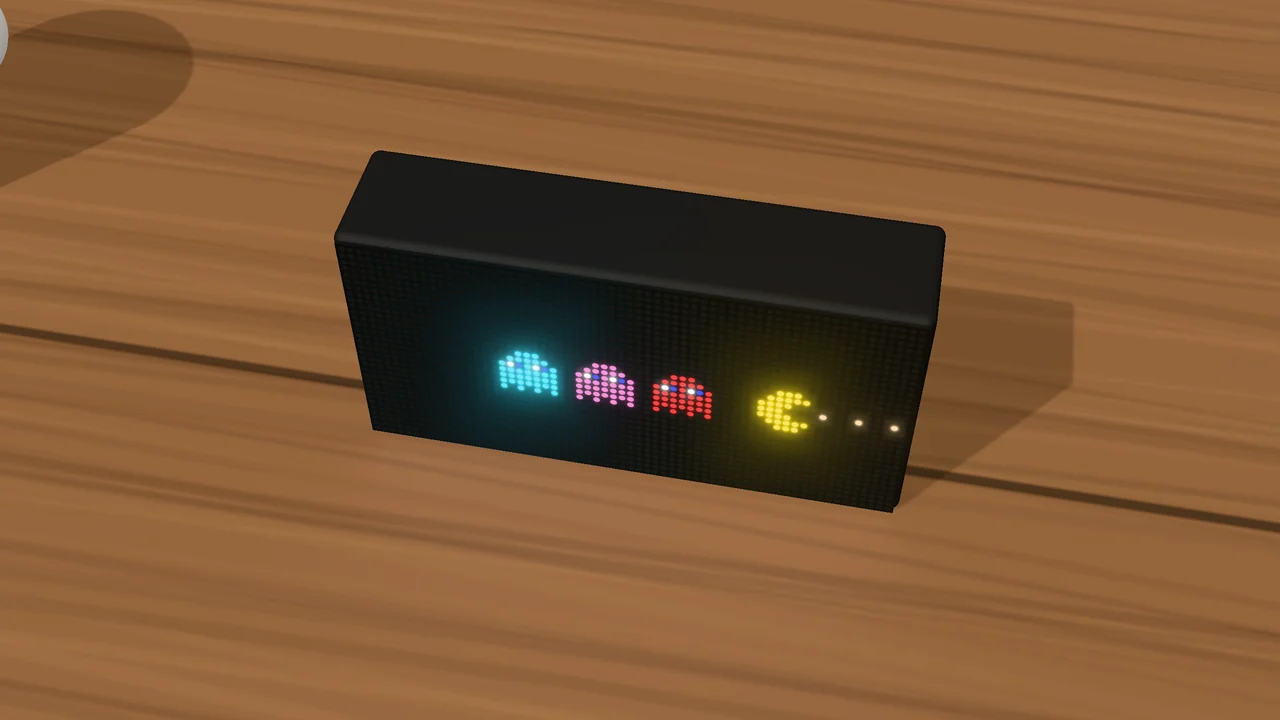
Between the numbers: pixel art and animated scenes.
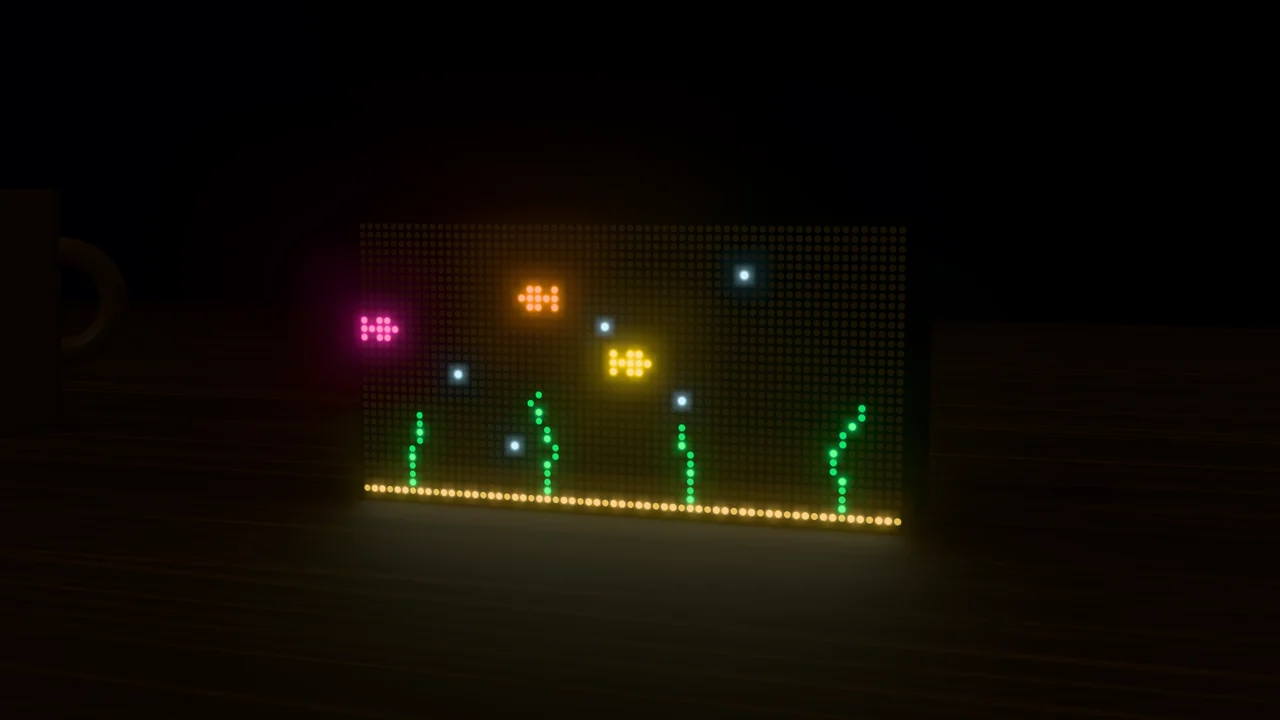
Or draw your own, frame by frame.
The LED display you design yourself: any app, API, GIF or animation, built in your browser. No code, no cloud, no account.
Back on KickstarterEverything on the panel is yours to define
55 apps, ready to go
YouTube, Spotify, Shopify, GitHub, Twitch, Strava, energy prices and more. 29 need no setup at all; the rest walk you through a free key or a sign-in.
02 · Any dataAny JSON API
Add any web address, press Test, and click the exact values to show — formatted, coloured and placed how you want.
03 · Pixel art47 pictures, 37 animations
Knights, slimes, pizza, a snow globe, an aquarium, a night city. Or paint your own, pixel by pixel and frame by frame.
04 · ArrangeFull per-view control
Drag every value into place. Set colour, size, brightness, time on screen and how it scrolls, per view.
05 · Keys & sign-insManaged for you
Logins renew themselves. Rotate an API key once and every view that uses it switches over.
06 · No account, no cloudRuns on the device
The setup page is served by the panel over your WiFi. It talks only to the services you choose.
07 · AlertsIt tells you when it matters
A new subscriber, a new sale, a price past your limit: the panel jumps to that view and flashes it.
08 · Home Assistant & MQTTSend it a message
Doorbell, washing machine, a failed build — from Home Assistant, MQTT or any script, straight to the panel. Dims or switches off at night.
What you can put on a view
- 55 popular apps — each with its icon, the name of what you follow, and short numbers that fit (12K, 1.6M); some icons change with the live value, like the weather. Want more? Pick any other field from the app's answer.
- Built-in views — clock, countdown, quote, text, plus weather, forecast, air quality, crypto, stocks with a chart (free API keys), sports fixtures and tables, calendar events and RSS headlines (no key).
- Values from any JSON API — pick fields from a tree,
format them (
{value:.2f} $), colour them by value. - Pixel art — 47 pictures, or draw and save your own.
- Animations — 12 scenes, 11 backgrounds that suit each view, 14 patterns, 26 full-panel effects, or your own (up to 180 frames).
- GIFs and pictures — PNG, JPG, WebP, BMP, up to 180 frames.
What you control
- Per view: name, time on screen, brightness, and scrolling — sideways or up (word-wrapped), only when the content doesn’t fit.
- Up to 64 values per view, anywhere on the 64×32 grid or beyond its edge, where they scroll into view.
- Starts with 23 example views on first boot, all live with no keys needed.
- Up to 30 views, rotating — enable, disable, reorder, and schedule each one by weekday and time.
- Alerts on any value — jump to the view and flash it when a number goes up or crosses a limit.
- Messages from Home Assistant, MQTT or any script, and a night mode that dims the panel or switches it off.
- Accounts & API keys in one place: reconnect, update or remove; exported views never contain them.
- Share views as files today — and, once the Kickstarter is funded, on a community page on datapix.store where owners share what they build.
- Firmware updates from the device's web page, checked before they install.
Try the interface in your browser
The real DataPix setup page, running with sample data — add a YouTube or weather view, paint some pixels, wire up an API, with nothing to install. Changes stay in your browser.
The device
- Panel
- HUB75 RGB LED matrix, 64×32 LEDs across the whole front
- Size
- 164 × 84 × 38 mm, flat base
- Controller
- ESP32-S3 (16 MB flash, 8 MB PSRAM)
- Setup
- Joins your WiFi; set up from a web page on the device
- Power
- USB-C, centred on the back