Guides → WiFi LED Weather Display
WiFi LED Weather Display
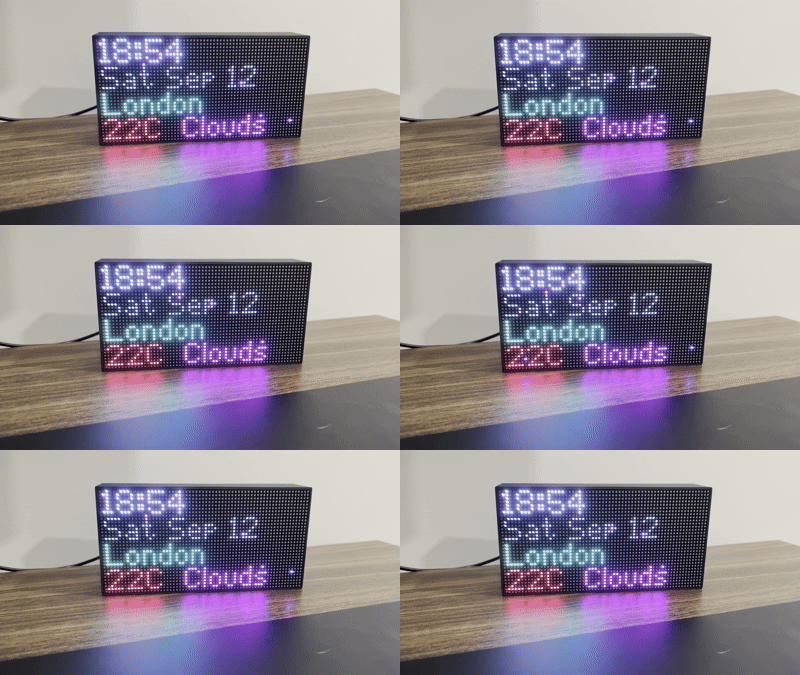
Turn DataPix into a live weather display — current temperature and conditions for any city, updating on its own over Wi-Fi. No app, no cloud account, no code.
What you need
- A DataPix, powered on and joined to your Wi-Fi (see Setup).
- A free OpenWeatherMap API key.
Step by step
-
Open the interface
From a browser on the same network, open the device's IP address shown on the panel.

-
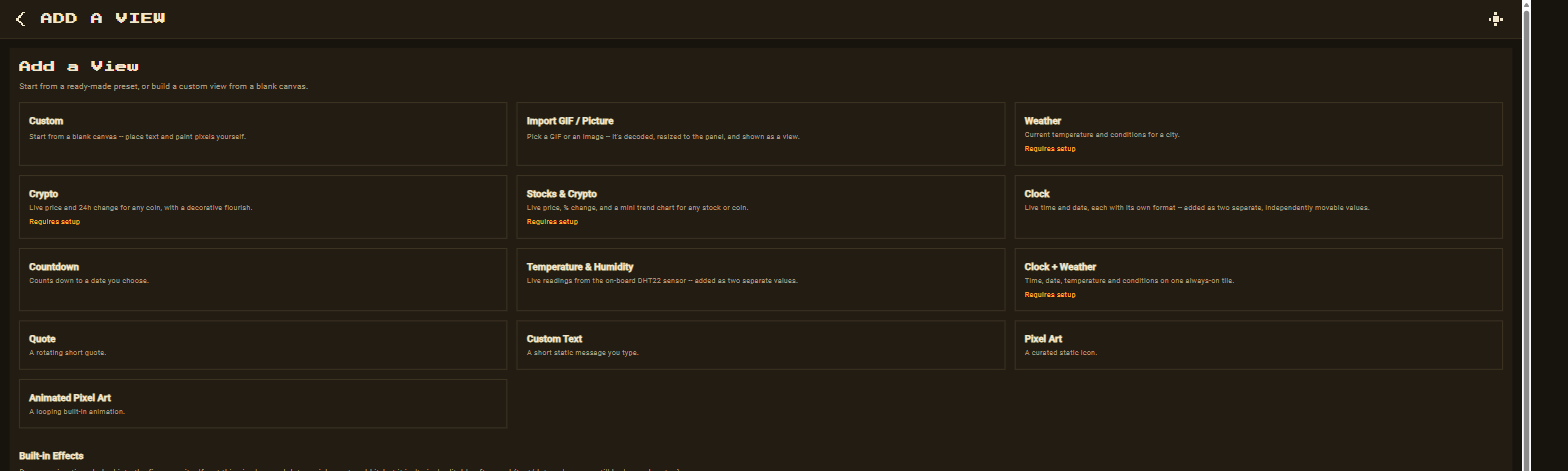
New view → Weather
Go to Views → New view and pick the Weather preset.
-
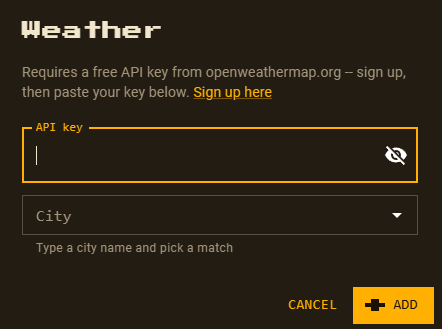
Paste your OpenWeatherMap key
The preset asks for your free API key once, then searches for cities.
-
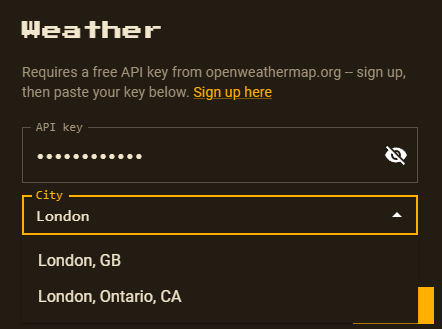
Search a city
Type the city you want conditions for and pick the matching result.
-
Customize and save
The preset drops in temperature and conditions as separate, movable elements — reposition and recolour anything, then Save. Want time and date on the same tile too? Use the Clock + Weather preset instead.
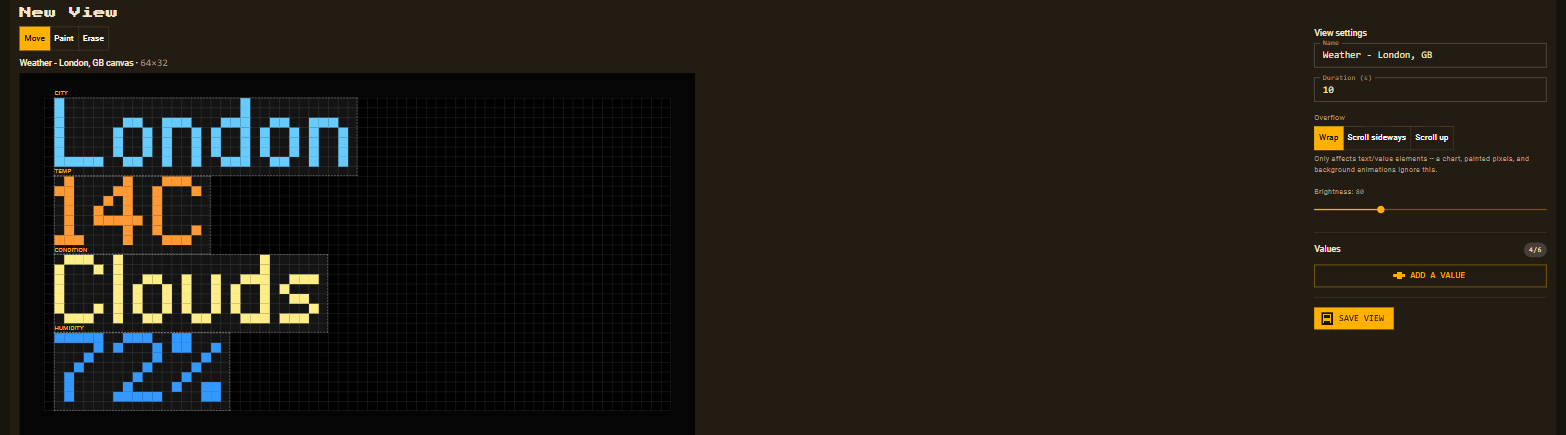
This is one preset, not the whole picture — it becomes an ordinary,
fully editable view the moment it's added. See Views for
every built-in preset, including Temperature & Humidity
for an on-board DHT22 sensor reading with no network needed, or
Features to point DataPix at any other JSON API.