Guides → WiFi LED Crypto Ticker
WiFi LED Crypto Ticker
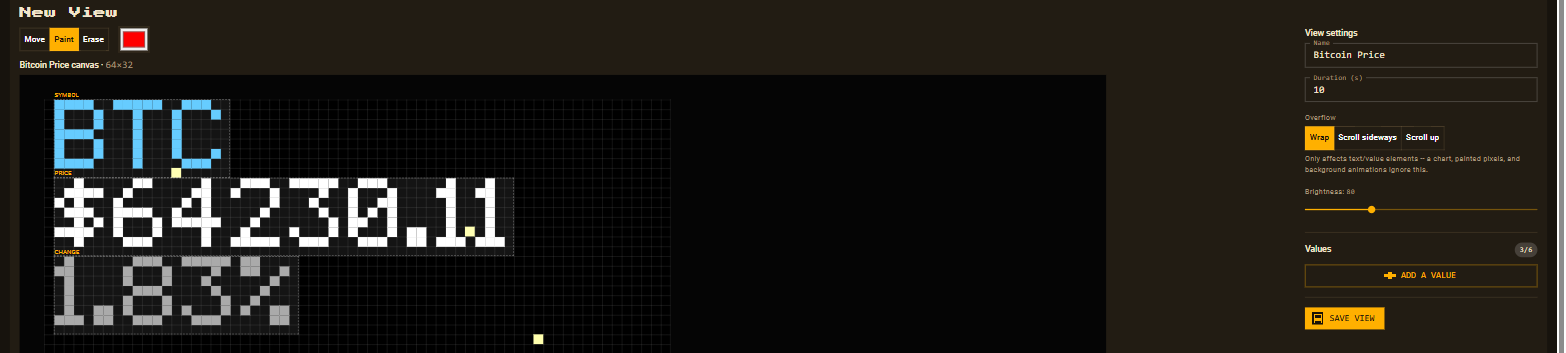
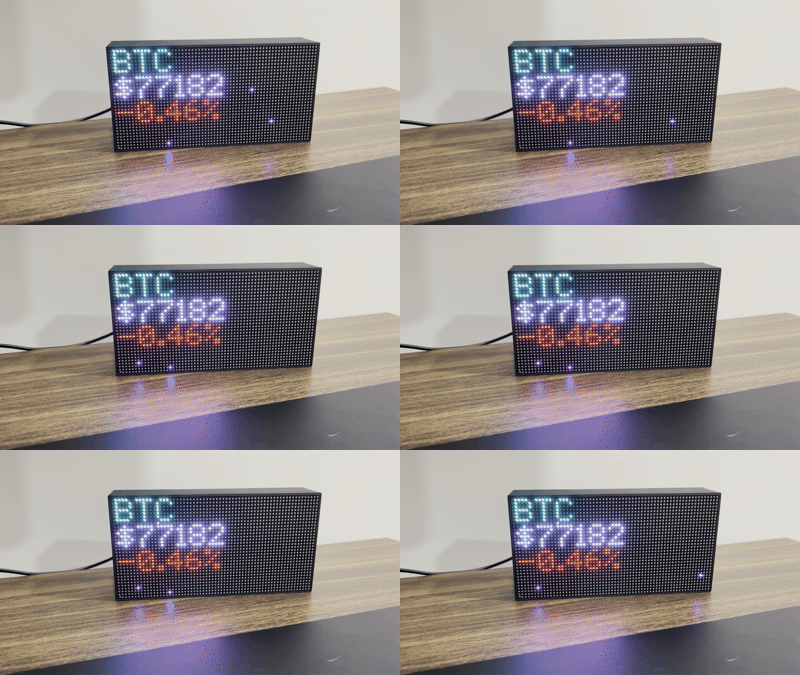
Turn DataPix into a dedicated crypto price display — live price and 24h change for any coin, updating on its own over Wi-Fi. No app, no cloud account, no code.
What you need
Step by step
-
Open the interface
From a browser on the same network, open the device's IP address shown on the panel.

-
New view → Crypto
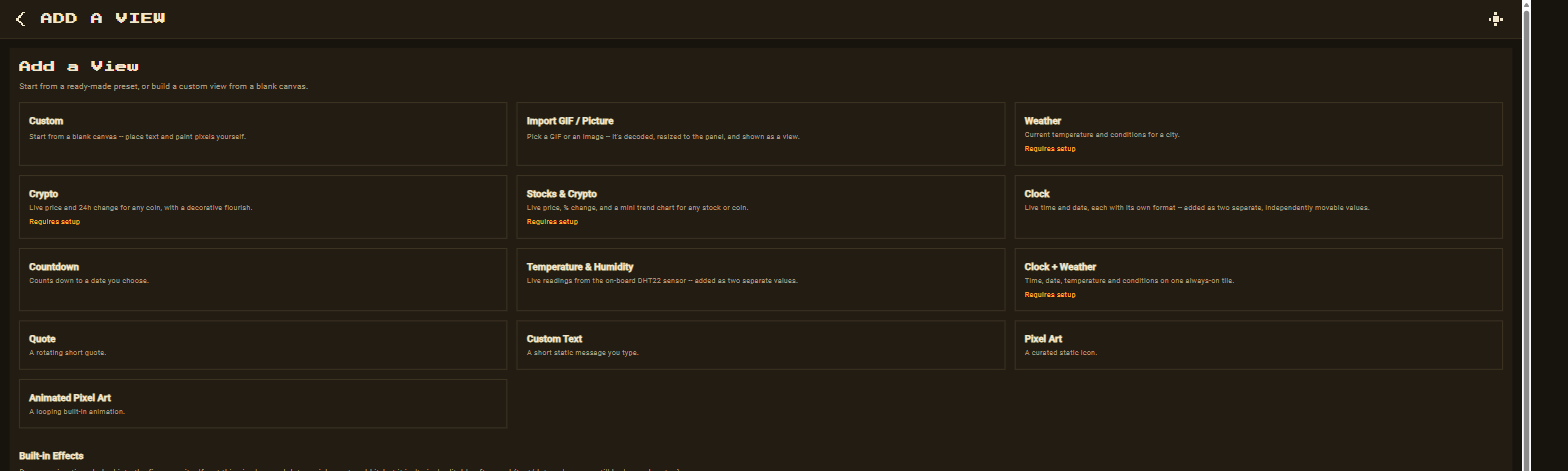
Go to Views → New view and pick the Crypto preset.
-
Paste your CoinGecko key
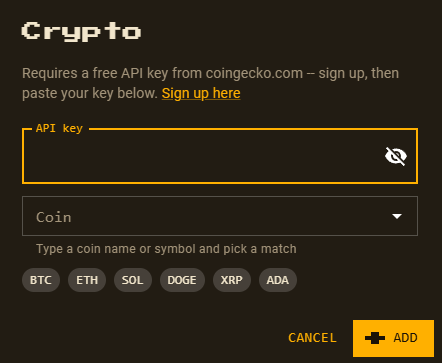
The preset asks for your free API key once, then searches CoinGecko's coin list for you.
-
Search a coin
Type a coin name or symbol — bitcoin, ethereum, or any coin CoinGecko tracks. The same form also offers one-tap shortcuts for popular coins.
-
Customize and save
The preset drops in live price, 24h change, and a decorative animated flourish as separate, movable elements — reposition and recolour anything, then Save.