Guides → WiFi LED Pixel Art & GIF Display
WiFi LED Pixel Art & GIF Display
Not every view needs live data. DataPix also works as a straight-up pixel art or GIF display — curated icons, looping animations, your own imported GIFs and pictures, or a short static message. No API key, no code.
What you need
- A DataPix, powered on and joined to your Wi-Fi (see Setup).
- For imports: a GIF or image file on your phone or computer.
Pixel Art — a curated static icon
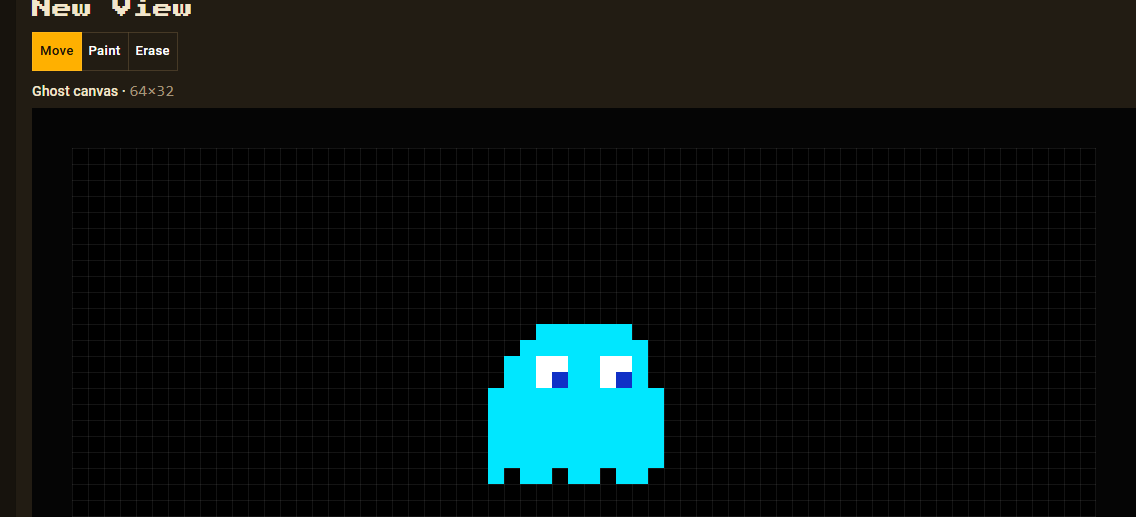
Go to Views → New view → Pixel Art and pick an icon from the dropdown — 19 to choose from, including Heart, Star, Smiley, Ghost, Rocket, Cat, Skull and more.
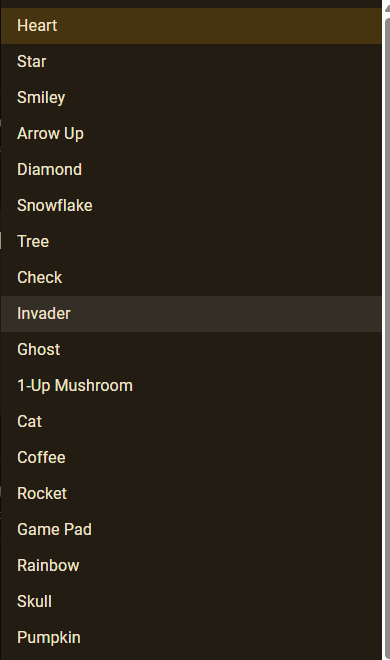
Every icon becomes an ordinary, fully editable view the moment it's added — see the full pixel art gallery.
Animated Pixel Art — a looping built-in pattern
Same flow, different picker: Views → New view → Animated Pixel Art gives you 14 looping patterns instead of a static icon. See the full pattern gallery.
Import GIF / Picture — your own image
Go to Views → New view → Import GIF / Picture and choose a file. It's decoded entirely in your browser, resized to the panel, and shown as a view — nothing is uploaded anywhere else.
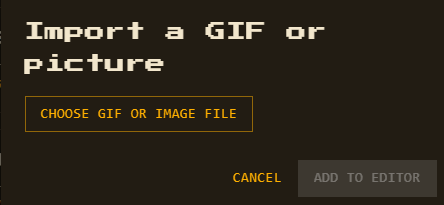
Limit: up to 60 imported GIF frames per view (see Specs).
Custom Text & Quote — a short message
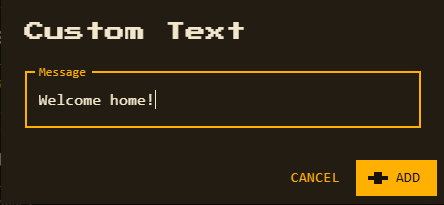
Custom Text is a short static message you type once. Quote is the same idea with a scrolling, rotating short quote built in. Both are added instantly, no setup form beyond the message itself.